Video guide · 4:00
Preview your app on your phone
Get your free preview, open it on your phone, and try real phone features before you build.
Chapters
Transcript
You've built a web app. In four steps, it's on your own phone, as an app, with real phone features. Before you pay for anything. Our example is Acme Store, a little web shop. On your computer, go to thebdk.com, paste your web app's link, and click Preview on my phone. Type your email and click Send my preview link. Your preview sets itself up. This is your code. Your phone signs in with it, so use it only on your own phone.
Now get the free BDK Preview app. On iPhone, get Apple's TestFlight app first, then BDK Preview. On Android, it's on Google Play. Pause here to scan, or go to thebdk.com/apps. Open BDK Preview. Tap Scan the code on your screen, and point your phone at your computer. Or just type the code in. You're in. Now close BDK Preview. Swipe up, and flick it away. Later, shake your phone to come back here. Tap its icon, and there's your app.
Your own loading screen, then your web app, full screen. Want a different name, or a status bar that matches your app? On thebdk.com, click Dashboard, then Preview, then Edit. Change them, and click Save. On your phone, shake, tap Open it again, then close and reopen. It's always your live website. Change it the way you always do, then close and reopen BDK Preview. The change is already there. No rebuild. Now the best part.
Your web app can use your phone's own features. If you build with AI, start by pointing it to BDK's docs. Then ask in plain words. For a game, when a player reaches level ten, vibrate the phone, send a push notification to their friends, open the share sheet so they can post it to their Instagram story, and offer the next level as an in app purchase. For Acme Store, we asked for pages that slide in, a buzz on Add to bag, a share button, and Face ID at checkout.
The AI added them and updated the site. Reopen BDK Preview and try it. Tap a product, and it slides in like any app on your phone. Swipe from the edge to go back. Add to bag gives a little buzz you can feel. And the share button opens your phone's own share sheet. At checkout, a sheet slides up, and Face ID checks it's really you. All of it is your web app, using your phone's own features.
When you're done, shake your phone to leave the preview. Liked it? On thebdk.com, under Preview, click Create my app. The name, status bar and loading screen come with it. Check them, and click Create my app again. And that's your project, where your real app gets built when you're ready. Nothing is built or paid for yet. That's it. Your app, on your phone, with real phone features, and you haven't paid a thing.
Next, our second guide takes your project from start to build.
More from BDK
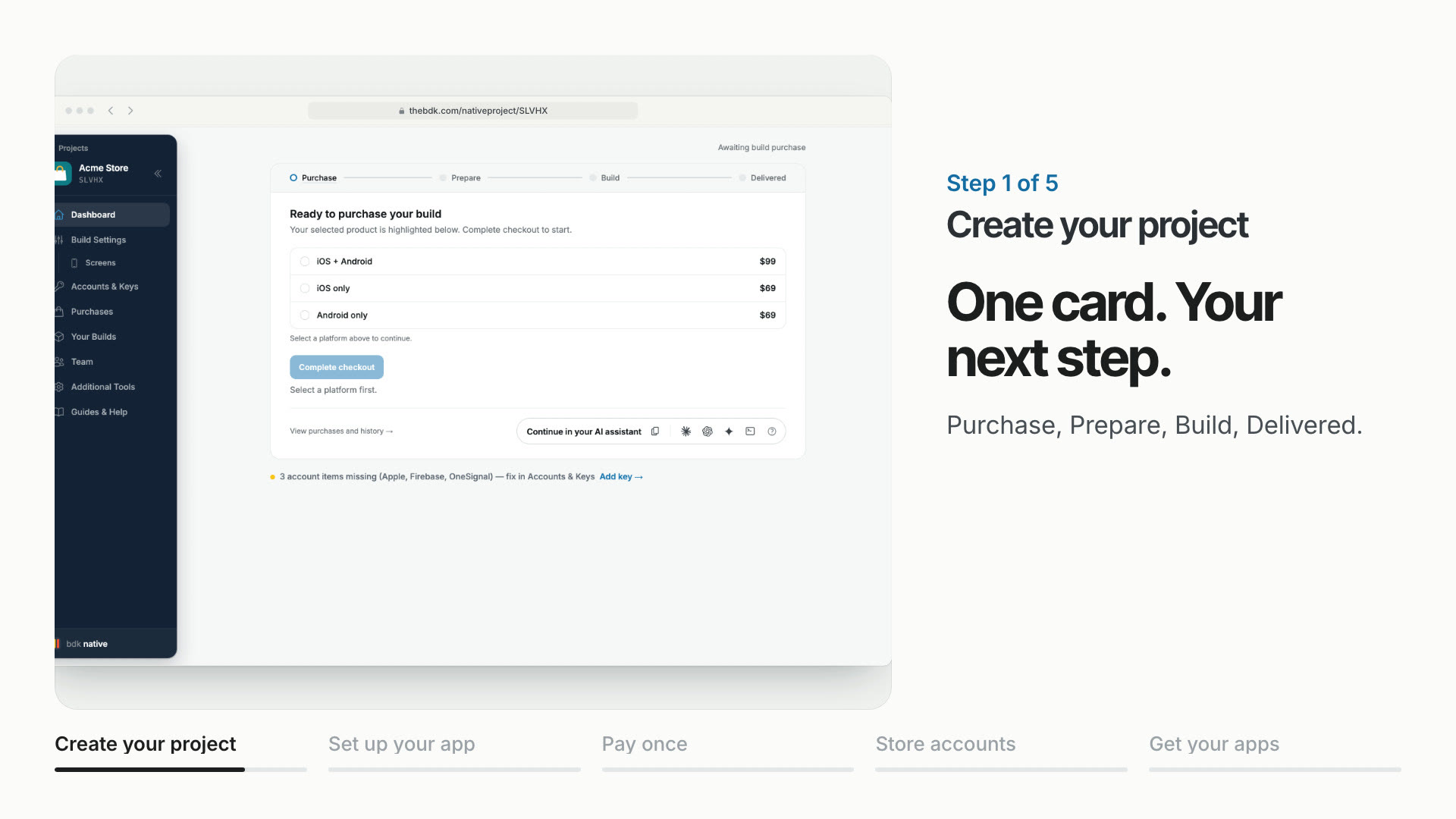
Your project, from start to build
Create your project, set up your app and store accounts, then request and test your builds.
Watch the guide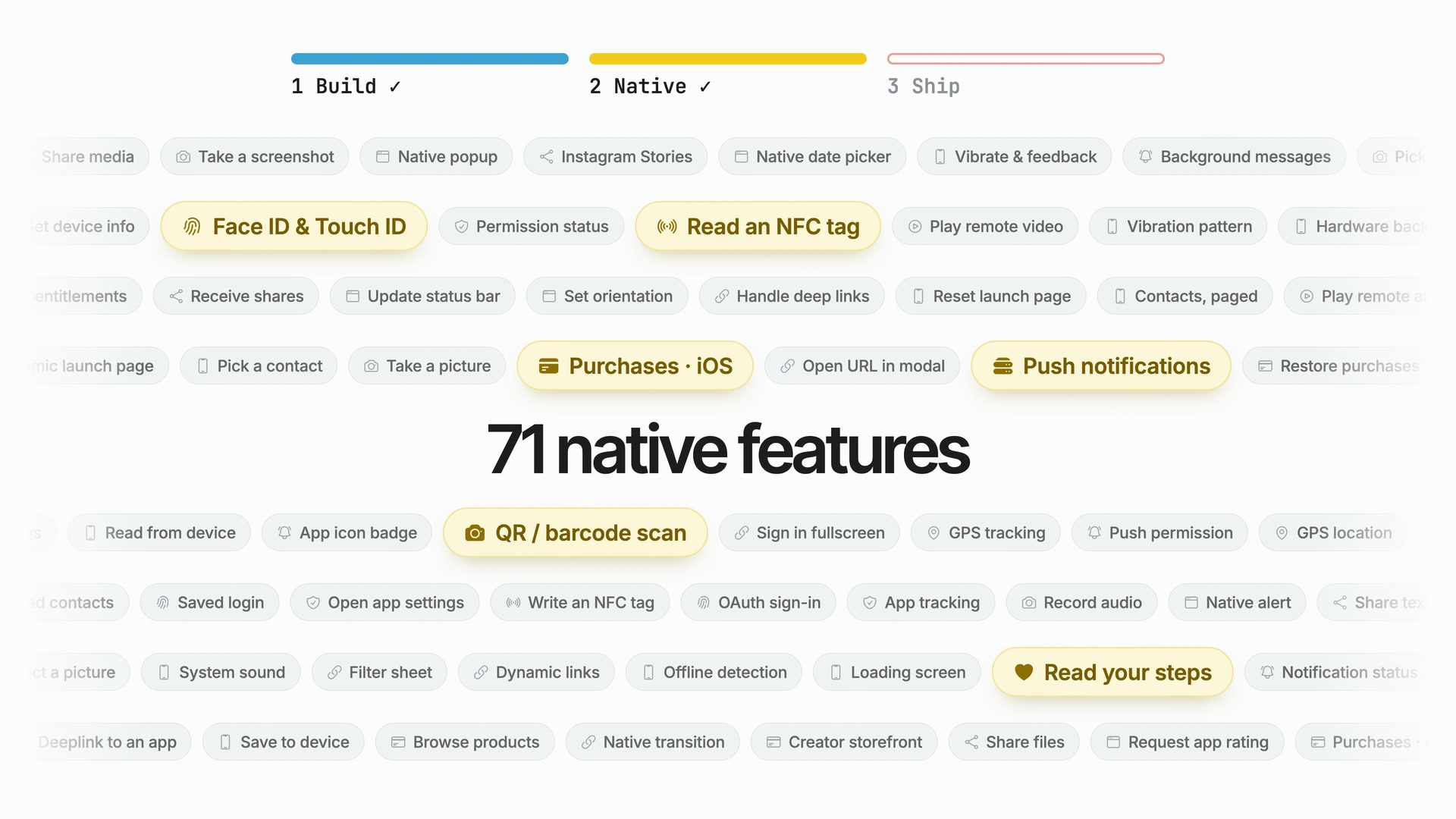
BDK Native in two minutes
A two-minute film on what BDK Native does: your web app as real iOS and Android apps in your own store accounts, with phone features and instant updates.
Watch the film